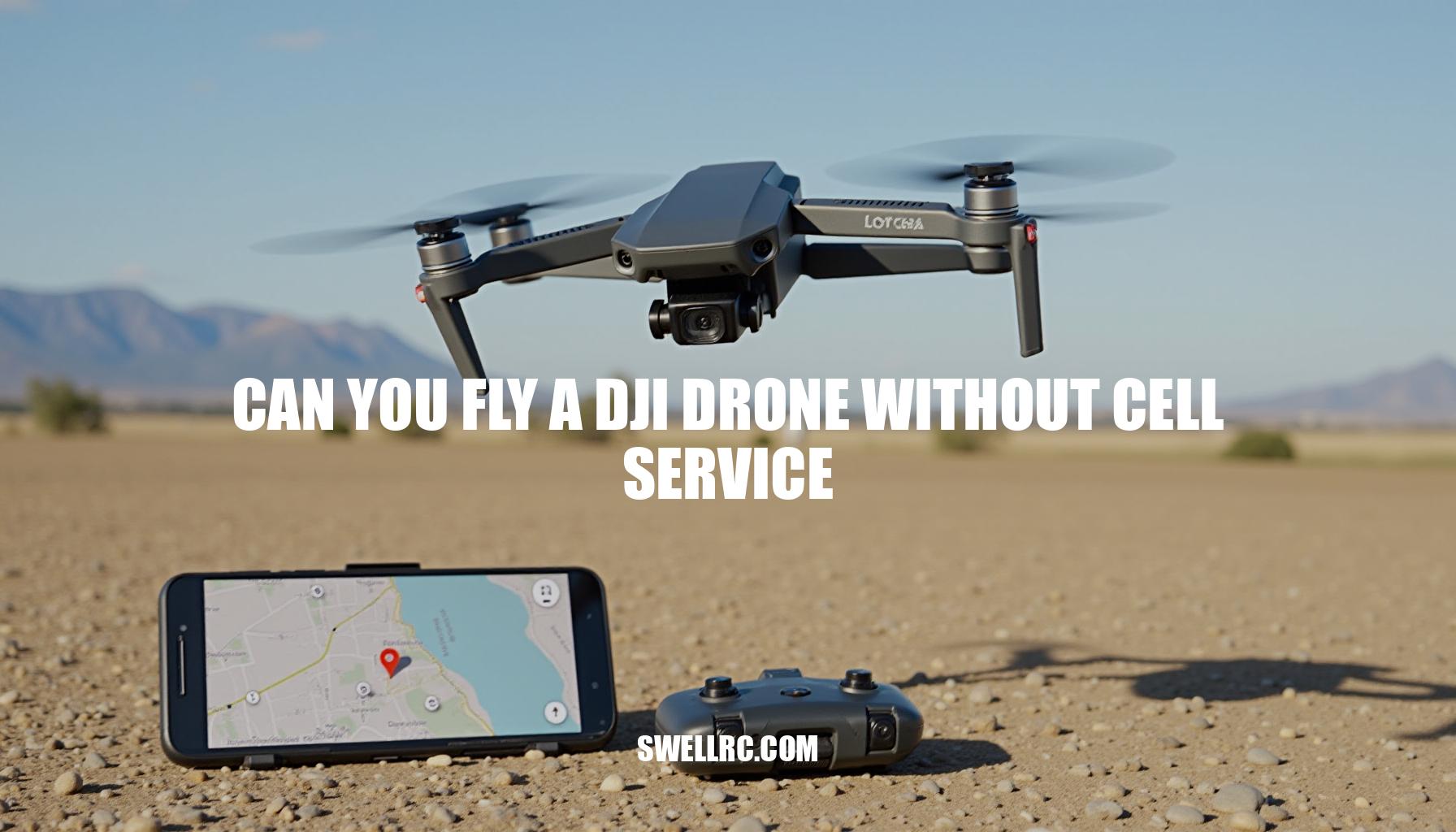
Can You Fly a DJI Drone Without Cell Service?

I first asked this on a sunrise hike in the mountains where my phone showed zero bars: can you fly a DJI drone without cell service? I had to find out for myself. After a few flights in dead zones, I realized the DJI drone doesn’t lean on mobile networks to stay in the air at all—it relies on its own controller link, onboard GPS, and the DJI Fly app running locally. The common misconception that you need data to fly vanishes the moment you see GPS lock and a stable video feed with no signal around.
In this guide, I’ll unpack what really matters for offline flying—GPS, the remote connection, and app functionality—so you can head into remote areas with confidence. Understanding drone connectivity and how flight controls operate without a cell signal ensures your drone app experience remains seamless, letting you focus on capturing stunning footage regardless of your location.
Understanding DJI Drone Connectivity: How the System Works
Here’s the simple truth: your DJI drone’s ability to fly hinges on three local systems that operate independently of any WiFi connection or cell service. First, the controller signal is established through OcuSync technology (either O3 or O4, depending on your model), which creates a direct radio link between your drone remote controller and the aircraft—no internet required. Second, the DJI Fly app plays a crucial role by displaying telemetry, camera controls, and maps locally on your device; it does not route flight commands through the internet.
Third, the drone GPS system, equipped with a GNSS module supporting GPS/GLONASS/Galileo/BeiDou, locks onto satellites directly to ensure reliable navigation and precise positioning—your phone’s data connection is not involved here.
However, some features do require a WiFi connection, such as activation when flying your drone for the first time, downloading firmware updates, map downloads within the DJI Fly app, and any needed GEO unlocks for no-fly zones. Despite this, the core act of flying—including takeoff, real-time control, recording video, and Return-To-Home (RTH)—works completely offline. It’s truly impressive how the GPS signal strength remains solid even in complete isolation.
For those setting up or practicing with beginner crafts, consider checking out related guides such as how to fly a DJI drone and how to connect a Tello to WiFi. These resources offer valuable insights for both novices and experienced pilots.
Offline Operation Scenarios: Flying Without Signal
When it comes to offline flying in remote or signal-deprived zones, understanding drone behavior without signal is crucial. Here’s what to expect across various environments and models:
- Remote mountains or countryside: Expect normal flight once GPS pre-lock is achieved and Home Point is set; however, map tiles may appear blank unless you have done offline map caching beforehand.
- National parks and restricted areas: Always verify local regulations and DJI GEO restrictions in advance, as some areas require you to obtain unlocks online prior to flying.
- Rural farmland: Ideal for rural flying range tests. The controller link remains the critical factor for maintaining connection, rather than cellular data service.
- Airplane mode: Using RC-N1 or RC-N2 controllers with a cabled phone, airplane mode functions properly once the DJI app is opened; on-screen controllers like DJI RC and DJI RC 2 operate independently and do not require a phone connection.
Regarding model nuances, the DJI Mini and Mavic lines—including the DJI Mini 4 Pro and DJI Phantom series—support full offline flight utilizing onboard GPS and OcuSync technology.
Pre-caching maps enhances convenience when cellular connectivity is unavailable. For DJI FPV and Avata drones, the FPV system’s link is local and independent of cell service; for specific FPV-related requirements like goggles, refer to detailed guides.
Additional tips to optimize offline flying include caching maps at home before departure and allowing the drone to acquire satellite locks (GPS pre-lock) prior to takeoff. Also, setting a Return-To-Home (RTH) altitude carefully in accordance with terrain is important, as live map data won’t be accessible during the flight.
What Needs Internet vs What Doesn’t (Quick Feature Matrix)
When using your drone, understanding which features require internet connectivity and which operate offline is crucial for a seamless experience. Below is a detailed comparison highlighting essential functions grouped by their internet dependency, helping you plan your flights effectively.
| Needs Internet | Does Not Need Internet |
|---|---|
|
|
Important: Be aware that some geo-restricted areas may prevent your drone from arming unless you have obtained the required unlock online beforehand. Properly handling these authorization steps ensures compliance and uninterrupted flight operations.
How to Prepare Your DJI Drone for Offline Flight
For optimal drone operation, thorough offline preparation is essential before heading out to fly. Start by updating everything at home: ensure your firmware prep is complete, the FlySafe/GEO database is current, and activate or log in if it’s a new setup. Next, focus on map accessibility by downloading or caching maps; use DJI Fly to preload the area while connected to Wi-Fi so that offline map caching makes map tiles available even without internet.
If your device or region supports offline maps, pre-download them to avoid interruptions in the field. Once on-site, verify your GPS lock and the home point by powering up in the open, waiting for a strong satellite signal, and confirming the “Home Point updated” status. Set the RTH altitude carefully, picking an elevation that safely clears any terrain or trees nearby to ensure a smooth return.
- Test airplane mode by opening DJI Fly then putting your phone in airplane mode (especially if using a USB-cabled controller) to prevent call disruptions and maintain a clean link.
- Perform a thorough pairing and controller binding check to confirm the controller is bound and video transmission is steady before leaving cellular coverage. For example, beginners can learn how to connect Tello drones to Android and iPhone, enhancing their connection confidence.
- Cache critical settings locally, including exposure presets, gimbal options, and shooting modes, so you won’t need to hunt through menus offline.
- Bring spares and plan your power needs: pack extra batteries, propellers, and SD cards. Also prepare any waypoints or shot lists ahead of time, preferably logged on paper or within the app.
- If you encounter any connectivity issues, leverage troubleshooting steps such as guides addressing why a Tello drone may not connect; these principles also apply broadly across DJI models.
- Finally, secure all necessary legal permissions and airspace authorizations by obtaining GEO unlocks or other clearances beforehand, noting that some of these requests require internet access.
What Happens When You Lose Signal Mid-Flight
DJI drones are engineered with robust failsafe mechanisms designed to operate effectively even when offline, ensuring that you maintain control and protect your investment under various disconnect scenarios.
Here’s how DJI’s system manages connectivity interruptions:
- Phone/app disconnect: If your mobile device or app loses connection but the controller link remains intact (such as DJI RC, RC-N1, or RC Pro controllers), you retain full command of the drone. You can continue flying normally and execute a safe landing. Video feed and telemetry may still appear on the controller’s screen, providing uninterrupted feedback.
- Controller disconnect: In the event the controller signal is lost, the drone automatically initiates its Return-To-Home (RTH) failsafe after a short timeout.
It ascends to the preset RTH altitude, then uses GPS and compass navigation to fly back to the home point. Depending on your model’s specifications, obstacle avoidance and landing protection systems engage to safeguard the drone during its autonomous return and landing.
- Weak GPS at landing: If GPS signals are weak when the drone approaches landing, precision can decrease. In this case, manual landing or controlling the aircraft once the link restores is advisable for a safer touchdown.
Comparison at a glance:
| Scenario | Action | Outcome |
|---|---|---|
| Phone app disconnect | Controller (DJI RC, RC-N1) still connected | Continue flying normally; pilot retains control |
| Controller disconnect | Failsafe triggered after timeout | Drone performs autonomous Return-To-Home to home point |
Understanding these failsafe behaviors, including the nuances of app disconnect, controller disconnect, and reliable GPS return to the home point, is key for safe operation.
DJI’s integration of obstacle avoidance and landing protection further enhances security during critical phases.
For enthusiasts exploring other consumer drones, check out related guides like how to connect Deerc drone to phone to understand connectivity nuances across brands.
Pro tip: Always perform a controlled Return-To-Home test in a safe, open area before flying in complex environments. This helps you familiarize yourself with your drone’s specific failsafe responses and ensures confidence during unexpected disconnects.
Special Situations: Night Flights and Unique Conditions Offline
Flying offline at night is absolutely possible, but some behaviors change during low-light operations. The Visual Positioning Sensors (downward and side-facing) may reduce accuracy in very dim conditions, making braking and hovering feel looser near the ground. Despite this, the Return To Home (RTH) function still relies on offline GPS and does not require cell service.
It is crucial to set a conservative RTH altitude and ensure that your approach paths are clear of obstacles to optimize obstacle avoidance.
Moreover, adhering to FAA regulations and verifying local rules and lighting requirements before night flying is essential. Confirm if any waivers are necessary for legal night operations. For a more comprehensive overview of rules and best practices, refer to the detailed guide on can you fly DJI drone at night.
From my starlight testing, I learned to prioritize open landing zones and set a higher RTH altitude.
Additionally, be prepared for a quick manual takeover if the VPS cannot detect the surface, as it affects landing accuracy in these conditions.
- Night flying requires adjusted flight planning.
- Visual positioning sensors may be less effective.
- Maintain clear, obstacle-free approach paths.
- Set conservative RTH altitudes for safety.
- Always comply with FAA and local regulations.
- Prepare to manually control the drone if automated sensors fail.
Conclusion: The Real Truth About Flying DJI Drones Without Cell Service
Yes—you absolutely can fly a DJI drone without cell service. The offline capabilities of DJI drones are impressive, relying primarily on the controller link and the drone’s own GPS independence, rather than on cellular connectivity. The DJI Fly app offline functions effectively by running locally on your device, allowing uninterrupted flight control even in remote areas.
To maximize your drone’s performance offline, consider these essential steps:
- Cached maps: Before leaving coverage, make sure to download and cache maps within the DJI Fly app so you can navigate confidently without live map data.
- RTH planning: Set a smart Return-To-Home (RTH) altitude to ensure safe return paths, avoiding obstacles even without real-time updates.
- Flight confidence: Conduct all necessary firmware updates and unlocks while online to avoid interruptions during your offline adventures.
Once you master these offline essentials, the sense of freedom you gain is truly remarkable—offering adventure without limits.
To further build your RC skills and optimize your controller setup, explore related guides like how to fly RC drone and how to connect Tello drone to controller. After extensive personal testing, I’ve found that flying offline isn’t just possible—it’s liberating, enabling you to push your boundaries with confidence.
Frequently Asked Questions
- Can you fly a DJI drone without WiFi or cell service?
Yes. After initial activation and any required GEO unlocks, DJI drones fly completely offline. The controller uses a direct radio link (OcuSync), the drone’s GPS locks satellites on its own, and DJI Fly runs locally. You just won’t have online features like live maps, updates, or streaming. - Does the DJI Fly app need an internet connection to use?
Not for flying. DJI Fly displays telemetry and controls the camera locally. Internet is only needed for things like activation, firmware/FlySafe updates, account login, and downloading maps or cloud services. - How does GPS work on DJI drones if there’s no phone data?
The aircraft has its own GNSS receiver (GPS/GLONASS/Galileo/BeiDou). It acquires satellites directly and records a Home Point once signal quality is sufficient. Phone data is only for map tiles—navigation and RTH don’t require cellular service. - Can you fly a DJI drone in airplane mode?
Yes. With RC-N1/RC-N2 and a cabled phone, airplane mode prevents calls without affecting the USB control link. With DJI RC/RC 2/RC Pro (screens built in), no phone or cell service is needed. For Wi‑Fi‑only craft like Tello, leave Wi‑Fi on. - What happens if you lose signal while flying a DJI drone?
If the phone disconnects but the controller doesn’t, you keep full control. If the controller link is lost, Failsafe RTH triggers after a brief timeout: the drone climbs to your set RTH altitude and returns using GPS, then lands near the Home Point. - Can you download offline maps for DJI Fly app?
Yes. In supported regions/devices you can download offline map areas; otherwise, you can cache map tiles by viewing the area while on Wi‑Fi before you go. Blank maps don’t stop flight—GPS and controls still work. - How do you connect a DJI drone to a controller without cell service?
Pairing is local: power on the drone and controller, press the link/bind buttons as instructed for your model, and connect your phone via USB if using RC-N1/RC 2. No internet is required for binding or flight. - Are there any limitations when flying offline?
Yes: no live maps or weather, no firmware/FlySafe updates, no cloud sync or live streaming, and you can’t request new GEO unlocks on-site. Ensure required authorizations and updates are handled before heading offline; follow all local regulations.