RC Drones and Quadcopters: Choosing, Flying and the Rules
“Drone” covers everything from a palm-sized toy quadcopter to a GPS camera drone and a hand-built FPV racer. This guide explains the differences, how to connect a drone to its controller or phone, how to fly the first batteries without losing it, and which rules apply to you before you take off.
 By Kyle HilsonUpdated: October 202612 min read
Toy, camera and FPV drones
| Type | Typical weight | Holds position by itself? | Good for |
|---|---|---|---|
| Toy / mini quadcopter | Under 100 g | Altitude hold at best, drifts with air | Indoor fun, learning stick control |
| Camera drone (GPS) | Under 250 g to about 1 kg | Yes, with GPS and sensors | Photos, video, travel |
| FPV freestyle / racing | Under 250 g to about 800 g | No, fully manual (acro mode) | Fast flying through goggles, racing |
| Educational / programmable | Under 100 g | Partly, using a downward camera | Indoor flying, coding projects |
The big difference is stabilisation. A GPS camera drone holds its position when you let go of the sticks; it is closer to a flying tripod than to a model aircraft. A toy quadcopter only keeps itself level, so it drifts with every draught and needs constant small corrections. That makes toys surprisingly good teachers of real stick control. FPV drones go further still: in acro mode they don’t level themselves at all, and they are flown through video goggles.
How a quadcopter flies
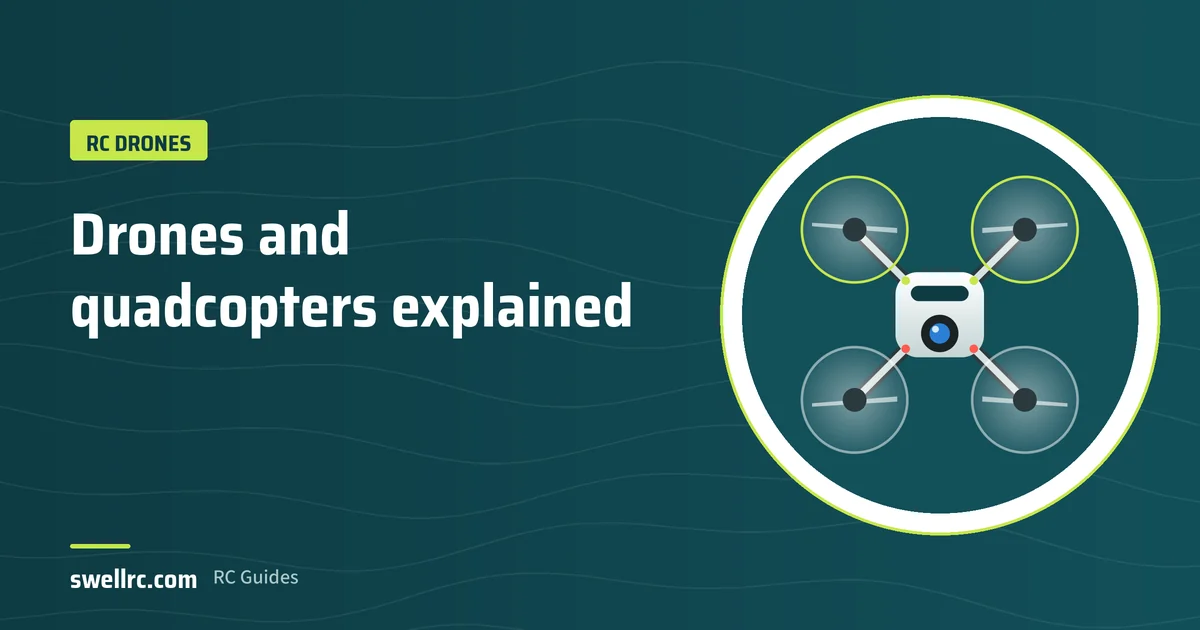
A quadcopter has four fixed propellers; two spin clockwise and two anticlockwise so the torque cancels out. A flight controller changes the speed of each motor hundreds of times per second. Speed all four up and the drone climbs. Speed up the two at the back and it tips forward and flies forward. Speed up the clockwise pair and it yaws (turns) the other way.
- Throttle: up and down (left stick on mode 2).
- Yaw: turn on the spot (left stick, left/right).
- Pitch: forward and back (right stick, up/down).
- Roll: slide left and right (right stick, left/right).
These are the same controls as an RC helicopter, which is why many pilots learn on a cheap quad before moving to a heli. Our helicopter guide explains the next step.
Connecting to a controller or phone
Most connection problems come from doing the steps in the wrong order. The general pattern:
- Charge both the drone battery and the controller or phone.
- Switch on the drone and place it on a level surface. Many drones calibrate their sensors in the first seconds and must not be moved.
- Switch on the controller, or connect your phone to the drone’s Wi-Fi network if it uses an app.
- Open the app and wait for the live video and status to appear.
- Calibrate the compass or gyro if the app asks for it, away from metal and cars.
Brand-specific guides: flying a DJI drone, connecting a Tello to Wi-Fi, connecting a Potensic drone to your phone and why a Tello won’t connect.
Note: Wi-Fi drones that stream video to a phone have short range, often under 100 metres, and the video freezes before the control link fails. Treat a frozen picture as a signal to bring the drone back.
Your first flights
- Pick an open space. A large field with no people, trees or power lines. Indoors, use only small toy drones with prop guards.
- Check the wind. Small drones are pushed away by light wind; above about 20 km/h even camera drones struggle.
- For GPS drones, wait for a satellite lock and check that the home point is recorded before take-off, so return-to-home works.
- Take off and hover at head height. Practise moving a few metres in each direction and landing on the same spot.
- Keep the drone’s back towards you at first. When it faces you, left and right are reversed, the same challenge as with planes and helicopters.
- Land with battery to spare. Don’t wait for the low-battery warning on early flights.
Flying at night is possible with some drones but adds rules and risk; see flying a DJI drone at night.
Batteries and flight time
Drone batteries are LiPo or Li-ion packs, and they deserve respect. Typical flight times are 5–8 minutes for toy quads, 3–6 minutes for FPV freestyle, and 25–45 minutes for modern camera drones with “intelligent” batteries that manage their own charging and storage.
- Never charge a swollen, dented or hot battery.
- Charge on a non-flammable surface and don’t leave charging batteries unattended.
- Store packs at storage charge (about 3.8 V per cell), or let smart batteries discharge themselves to storage.
- Cold weather cuts flight time sharply; keep batteries warm until take-off.
Our RC basics guide covers LiPo care in depth, and what to do with a swollen LiPo explains why you should not try to “fix” one.
The rules: registration and limits
Drone rules are national law, they changed in many countries in recent years, and they depend on weight, on whether the drone has a camera, and on where you fly. Use the points below as orientation, then check your authority’s own pages before you fly.
| Region | What usually applies to hobby pilots | Official source |
|---|---|---|
| United States | All recreational pilots must pass the free TRUST test; drones over 250 g must be registered and need Remote ID; fly below 400 ft and within sight. | faa.gov |
| European Union | Register as an operator if your drone weighs 250 g or more, or has a camera and isn’t a toy; online training for the “open” category; fly below 120 m and within sight. | easa.europa.eu and your national authority |
| United Kingdom | Since 1 January 2026, anyone flying a drone or model aircraft of 100 g or more needs a Flyer ID (free online theory test). The owner needs an Operator ID from 250 g, or from 100 g if it has a camera. Fly below 120 m and within sight. | caa.co.uk |
Everywhere: keep away from airports and airfields, don’t fly over crowds, respect people’s privacy when you film, and check temporary restrictions (events, emergencies) in your authority’s map app before each flight. Model aircraft clubs often have their own permissions that let members fly under different conditions.
Important: this is general information, not legal advice. Rules differ by country, change over time and include exceptions not listed here.
FAQ
Is a drone the same as an RC quadcopter?
In everyday language, yes. Technically “drone” includes anything unmanned that flies, and many laws count RC planes and helicopters as drones too. “Quadcopter” describes the four-rotor layout most drones use.
What is the best drone for a beginner?
For learning to fly, a cheap toy quadcopter with prop guards: it teaches real stick control and survives crashes. For photos and video, a sub-250 g GPS camera drone, which is easy to fly and has lighter rules in many countries.
Can I fly a drone without a phone signal?
Yes. The drone talks to its controller directly by radio, and GPS works without mobile data. You lose online maps and some app features unless you cache them in advance. Our article on flying without cell service has the details.
Why does my drone drift?
Toy drones drift because they have no position hold. On any drone, uncalibrated sensors, an uneven take-off surface or wind are the usual causes. Calibrate on a level surface and trim the drift out if the controller has trim buttons.
Do I need goggles for an FPV drone?
For real FPV flying, yes. Some FPV drones can be flown with a phone or a screen, and some can be flown by line of sight, but in many countries flying with goggles requires a spotter who keeps the drone in sight.
All 32 articles in this guide
Every article below goes deeper into one question from this guide. Open a group to see its articles.
Connecting and setting up 13
- Avialogic Mini Drone Instructions
- Exploring The Types of RC Controllers
- How to Calibrate Tello Drone for Perfect Flight
- How to Charge Tello Drone
- How to Connect a Potensic Drone to Your Phone
- How to Connect Deerc Drone to Phone
- How to Connect Tello Drone to Android Phone
- How to Connect Tello Drone to Controller
- How to Connect Tello Drone to GameSir Controller
- How to Connect Tello Drone to WiFi
- How to Know When Tello Drone is Fully Charged
- UFO Quadcopter Drone Instructions
- Why Is My Tello Drone Not Connecting? Troubleshooting Guide
Flying and the rules 7
Models and DIY 12
- Feilun FT011 Review
- Gartt 450L Review
- How to Make a Mini Drone with Camera
- How to Make an RC Plane Out of a Drone
- Is Deerc a Good RC Car? A Comprehensive Review
- K3 E99 Pro 4K Mini Drone Helicopter Review
- Skytech H100 Review
- The Thrill of Remote Control Military Vehicles
- Unlocking Flight Adventure with a 6 Ch Remote Control Quadcopter
- WLtoys V950 Review
- XRAY XB2 2023 Review
- ZippKits RC Review

About 20 years in RC. Mostly boats in the NAVIGA Mini Eco Expert class, with many self-made parts; also a King Motor Baja 5B, a home-built electric plane, home-built nitro planes he has flown, and an RC helicopter. More about SwellRC