How to Know When Tello Drone is Fully Charged

The first week I flew my DJI Tello, I kept second-guessing the battery. Was it really full, or just “close enough”? That curiosity sent me down a rabbit hole of testing chargers, watching the LED patterns, and timing full cycles so I could stop guessing and start flying with confidence.
Knowing exactly when a Tello drone is fully charged isn’t just convenient—it protects the LiPo battery, extends flight time, and prevents the silent battery killers: heat and overcharging. In this guide, I’ll share what the Tello’s drone charging indicator LED patterns mean, how long a full charge usually takes, the simple conditions that skew your results, and the troubleshooting steps that saved me from tossing a perfectly good battery. By understanding your DJI Tello’s specific charging behaviors, you can maximize drone battery life and optimize Tello flight time.
With these insights, you’ll have a crisp, repeatable checklist for charge status, battery care, and quick fixes when something looks off, ensuring every flight starts with a reliable, fully charged battery.
Understanding the Tello Drone Charging Indicators
The Tello drone LED indicator light serves as a vital communication tool during charging, providing real-time updates on your battery’s status. Understanding the behavior of these lights can simplify drone maintenance and ensure optimal charge cycles for your Tello drone. Here’s a handy table decoding the typical drone charging indicator signals, especially when using the official Tello charger or charging hub:
| LED Behavior | Meaning | What to Do Next |
|---|---|---|
| Slow pulsing/blinking amber or yellow | Charging in progress | Let it finish charging without interruption |
| Solid green (or indicator stops blinking) | Fully charged and ready to fly | Disconnect and prepare your drone for flight |
| Blinking red (or alternating red) | Charging error | Check cable connections, power source, battery seating, and temperature |
| No light when connected to power | Not receiving power or deep-discharged battery | Verify cable/charger integrity and battery contacts |
Note: Exact colors and patterns can vary depending on your accessory or firmware version. The official multi-charger usually blinks during charging and goes either solid or off once the bay is full—always follow the printed label on your hub.
For my personal drone maintenance, I verify a full charge by timing the complete cycle from a low battery state, observing the LED transition from pulsing to steady, and confirming with a USB meter that the charge current drops near zero.
Always charge safely by placing your Tello drone on a hard, non-flammable surface at room temperature, away from direct sunlight. If you’re looking for a step-by-step setup from scratch, be sure to check out this comprehensive walkthrough: How to Charge Tello Drone.
Charging Time and Conditions for Accurate Results
Typical Tello battery charging time is about 60–90 minutes using a quality 5V/2A USB power adapter. However, with a 5V/1A phone charger or poor quality cables, drone charging may extend to 90–120 minutes. Several factors influence your Tello charger performance and overall battery management:
- Battery age/health: Older packs charge slower and can plateau early, reducing drone battery life.
- Cable/charger quality: Thin or damaged cables cause voltage drops, slowing charging efficiency.
- Ambient temperature: Cold environments slow chemical reactions during charging, while excessive heat may trigger safety protections that pause charging.
- Charge method: Charging in-drone via micro-USB is sequential and gentle but takes 70–100 minutes; the official multi-charger hub charges one battery at a time in 60–90 minutes per slot and offers clearer status LEDs.
Avoid misconceptions about overcharging—modern chargers automatically stop at full capacity, but it’s important not to leave LiPo packs powered for days or charge unattended for safety.
For a broader understanding of charging durations and best practices, see this detailed explainer: How Long Do I Charge My RC Car Battery?
Transition: If your LED indicator does not behave as expected or if Tello battery charging time extends beyond two hours consistently, proceed to the troubleshooting section for further guidance.
Common Mistakes and Battery Troubleshooting
When it comes to drone troubleshooting, understanding common battery and connection issues is crucial. Here are some frequent problems and effective solutions to keep your Tello drone flying smoothly.
- LED doesn’t light when plugged in: Reseat the battery firmly until you feel a positive click. Try using a known‑good 5V/2A wall adapter and a short, quality USB cable.
Clean both the battery and drone contacts with a dry microfiber swab. Sometimes, leaving it connected for 10–15 minutes helps as a deep‑discharged pack can “wake” slowly.
- LED blinks red or shows an error: Move your drone to a cool, ventilated area and allow it to reach room temperature. Swap out the cable or charger since many errors are caused by voltage drops.
Also, inspect the battery for swelling—if it’s puffy, it’s time for a Tello battery replacement immediately.
- Charges forever, never indicates full: Time a full charging cycle; if it consistently takes longer than about 2 hours, the battery could be nearing the end of its life. Use an official charging hub to eliminate any issues with the drone’s USB port. After charging, power on the drone and check battery percentage in the app—if it drops instantly, the pack needs replacing.
- Connection or handshake hiccups after charging: If your Wi-Fi won’t appear or keeps dropping, start by consulting guides like why your Tello drone is not connecting and how to connect Tello drone to Wi-Fi.
If your controller inputs aren’t recognized, try re-pairing it with the controller using instructions from this guide. Lastly, if the drone flies oddly after a battery swap, be sure to recalibrate with help from how to calibrate Tello drone.
Understanding what does the blinking light on Tello mean can quickly pinpoint issues, and regular drone maintenance helps prevent many battery and connection problems. Most charging oddities stem from cables, power bricks, or temperature.
By methodically swapping one variable at a time, you’ll typically resolve issues within minutes, ensuring your drone stays ready for flight.
Bonus: Extending Your Tello Battery Life
A little care goes a long way with LiPo packs to ensure optimal drone battery life and maximize your Tello flight time. Follow these essential guidelines for the best way to charge Tello drone battery safely and maintain your drone effectively.
- Do charge and store your batteries at room temperature (18–25°C/64–77°F) to prevent damage and degradation.
- Fly down to about 20–30% battery level before recharging; avoid regularly running them down to 0%, which shortens lifespan.
- For storage over a week, keep batteries around 40–60% charge to preserve capacity.
- Rotate between multiple batteries to balance wear and extend overall use.
- Don’t charge unattended or place batteries on soft or flammable surfaces to reduce fire risk.
- Avoid using frayed cables or cheap, unregulated chargers which can damage the battery.
- Never keep fully charged batteries hot inside a car or direct sunlight.
Keeping your drone’s ecosystem tidy can improve performance; frequent firmware updates often enhance battery reporting and stability, contributing to better drone maintenance.
If you’re adding controllers or phones to your kit, setting up clean connections helps reduce mid-flight surprises. Here are helpful guides:
| Device | Setup Guide |
|---|---|
| PS4 controller pairing | How to connect PS4 controller to Tello drone |
| Gamesir controller setup | Gamesir controller setup guide |
| iPhone setup | Connect Tello drone to iPhone |
| Android setup | Connect Tello drone to Android phone |
By following these tips for the best way to charge Tello drone battery safely, practicing good drone maintenance, and properly setting up your devices, your flights will last longer and your batteries will age more gracefully, optimizing your overall Tello flight time.
Conclusion – The Satisfaction of Knowing Your Drone is Ready
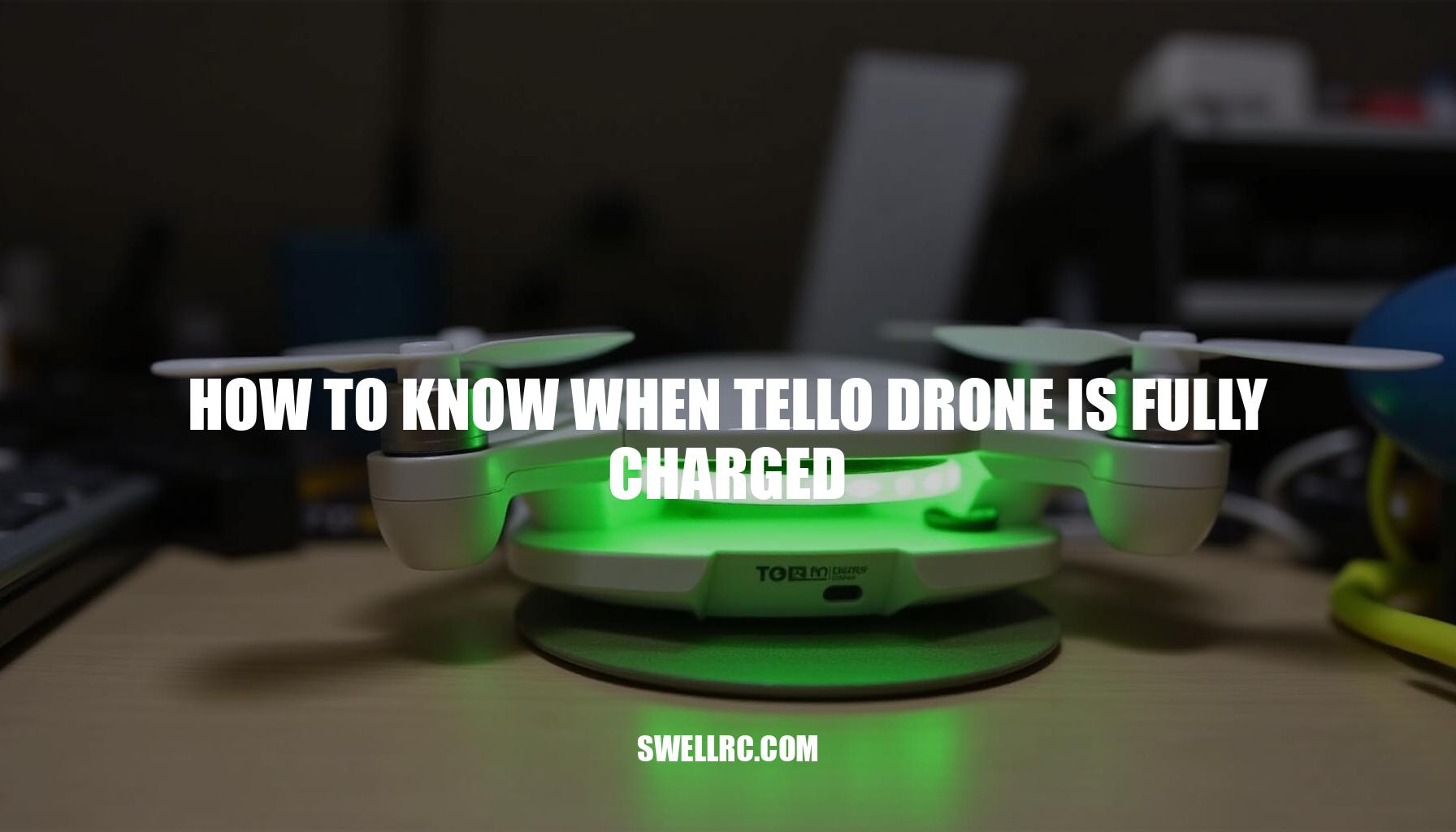
The moment the Tello’s charging LED stops pulsing and settles—your go‑signal for a full battery—feels like a small victory every time. Understanding does the Tello drone light turn off when charged? It actually stops pulsing and remains steady, indicating the pack is fully charged and ready for flight.
With a reliable charger, a good cable, and a room‑temperature charging spot, you’ll achieve consistent 60–90 minute top‑offs, closely matching the drone battery life advertised by Tello.
Pay close attention to the drone charging indicator as it provides key visual cues of the battery status and charging progress. Below is an overview of typical Tello battery charging time and indicators:
| Battery Status | Charging LED Behavior | Approximate Charging Time |
|---|---|---|
| Charging | LED pulses steadily | About 45 minutes to 1 hour |
| Fully Charged | LED remains solid without pulsing | Charging complete, ready to fly |
By respecting LiPo safety basics and regularly monitoring your battery indicators rather than guessing, your batteries will remain healthier and last much longer. Mastering these little details is part of the fun—and it means:
- More confident launches
- Smoother flying sessions
- Fewer in-flight surprises
See you up there, ready for another adventurous flight!
Frequently Asked Questions
- How long does it take for a Tello drone battery to fully charge?
About 60–90 minutes with a quality 5V/2A USB charger; 90–120 minutes with a 1A phone brick or weak cable. Hubs are typically on the faster end per battery. - What color is the light when the Tello drone is fully charged?
On the drone, the charging LED stops pulsing and becomes steady (often solid green). On official hubs, the bay LED typically goes solid or turns off when that slot is full. Check your accessory’s label for its exact scheme. - Can I charge my Tello drone with a phone charger?
Yes—use a reliable 5V/2A USB adapter and a short, good‑quality cable. Lower‑power 1A bricks work but take longer and are more prone to voltage drop. - How do I troubleshoot a Tello battery that doesn’t charge?
Reseat the battery, try a known‑good 5V/2A adapter and short cable, clean contacts, let a cold/hot pack normalize, and test with an official hub. If the pack is swollen or repeatedly times out, replace it. - How do I maintain my Tello battery for longer life?
Charge at room temperature, avoid deep discharges, store at 40–60% if idle for a week+, rotate packs, and don’t leave batteries fully charged in hot environments.