How Does RC Car Steering Work: A Comprehensive Guide

Have you ever had that “aha!” moment while turning the tiny wheel on your RC car’s controller and suddenly realized it’s not just a simple twist? That subtle motion sparks a fascinating conversation between electronics and mechanics! Steering your RC car is far more than just the wheel spinning—it’s a symphony of radio signals zipping through the air, a receiver cleverly decoding your every command, and a trusty servo translating those control inputs into precise movements via complex linkages.
As someone passionate about hobby electronics, I find it thrilling how these components harmonize to bring an RC car to life. By the end of this read, you’ll have a clear picture of the entire path — from your fingers manipulating the transmitter all the way to those nimble front wheels turning. If you’re curious and want a quick primer on the radio side of things, check out this clear breakdown of how RC controllers work: https://www.swellrc.com/how-do-rc-controllers-work/.
Get ready to dive into the exciting world of RC steering and discover how your control inputs set everything in motion!
The Heart of the System – The RC Steering Servo
Imagine driving a car on the highway, making tiny, precise adjustments to the steering wheel to stay perfectly centered in your lane. This delicate dance is remarkably similar to how an RC steering servo transforms electrical commands into physical motion. At the heart of this process lies a DC motor, which acts like the muscle, spinning to create movement.
This motor is connected to a carefully crafted gear train—a series of gears that amplify torque and control the speed of the output shaft turning the wheels.
Embedded within this mechanical assembly is a potentiometer, a type of position sensor, continuously monitoring the angle of the servo arm. Its output feeds into the control board, which compares the actual position with the desired position sent by your transmitter. This creates a feedback loop, enabling the servo to make rapid micro-corrections—much like your real car’s steering wheel gently nudging left or right at highway speed to keep you precisely on course.
The interplay of servo speed, torque, and precision is critical when entering, maintaining, and exiting corners. Faster servos respond quicker to steering commands, giving razor-sharp corner entry. High torque ensures the wheels hold firm mid-corner against the forces trying to push them off-angle.
And precise potentiometer feedback guarantees smooth, stable steering—making your RC car a joy to drive.
For a focused look at choosing and understanding a steering servo, see this guide: https://www.swellrc.com/rc-car-steering-servo/. And if you’re new to servos in general, this explainer on what a servo does in an RC car is gold: https://www.swellrc.com/what-does-a-servo-do-in-a-rc-car/.
| Servo type | Typical torque (kg·cm) | Speed (sec/60°) | Use-case |
|---|---|---|---|
| Analog standard | 3–6 | 0.12–0.18 | Basher/Beginner |
| Digital high-torque | 10–25 | 0.07–0.12 | 1/10–1/8 racing |
| Coreless/Brushless | 12–35 | 0.05–0.10 | Competition/High-speed |
Remember, specs like servo torque and servo speed vary widely by brand and model. When selecting an RC steering servo, match its torque to your vehicle’s weight and tire size for optimal performance. Knowing the difference between digital vs analog servos will also help you choose the right balance of responsiveness and smooth control.
Overall, understanding the mechanical and electronic harmony inside your RC steering servo empowers you to make smarter upgrades and enjoy better driving precision on every run.
From Controller to Motion – How Signals Become Steering
Understanding the full signal path in an RC car’s steering system helps you grasp how your input translates into wheel movement. Here’s the step-by-step flow:
- I turn the transmitter wheel: This physical movement is your input.
- The transmitter converts that movement into a digital command and sends it on the steering channel: This digital signal is sent wirelessly via a 2.4 GHz radio frequency.
- The receiver, bound to this transmitter, listens on that channel: Binding ensures that only your receiver responds to your transmitter’s commands.
- The receiver outputs a PWM signal that represents the requested angle: This pulse width modulation is what controls servo positioning.
- The servo’s control board reads the PWM pulse width: It interprets the signal to know how far to turn.
- The motor turns through gears until the potentiometer says the output horn matches the command: The potentiometer provides feedback so the servo knows its position.
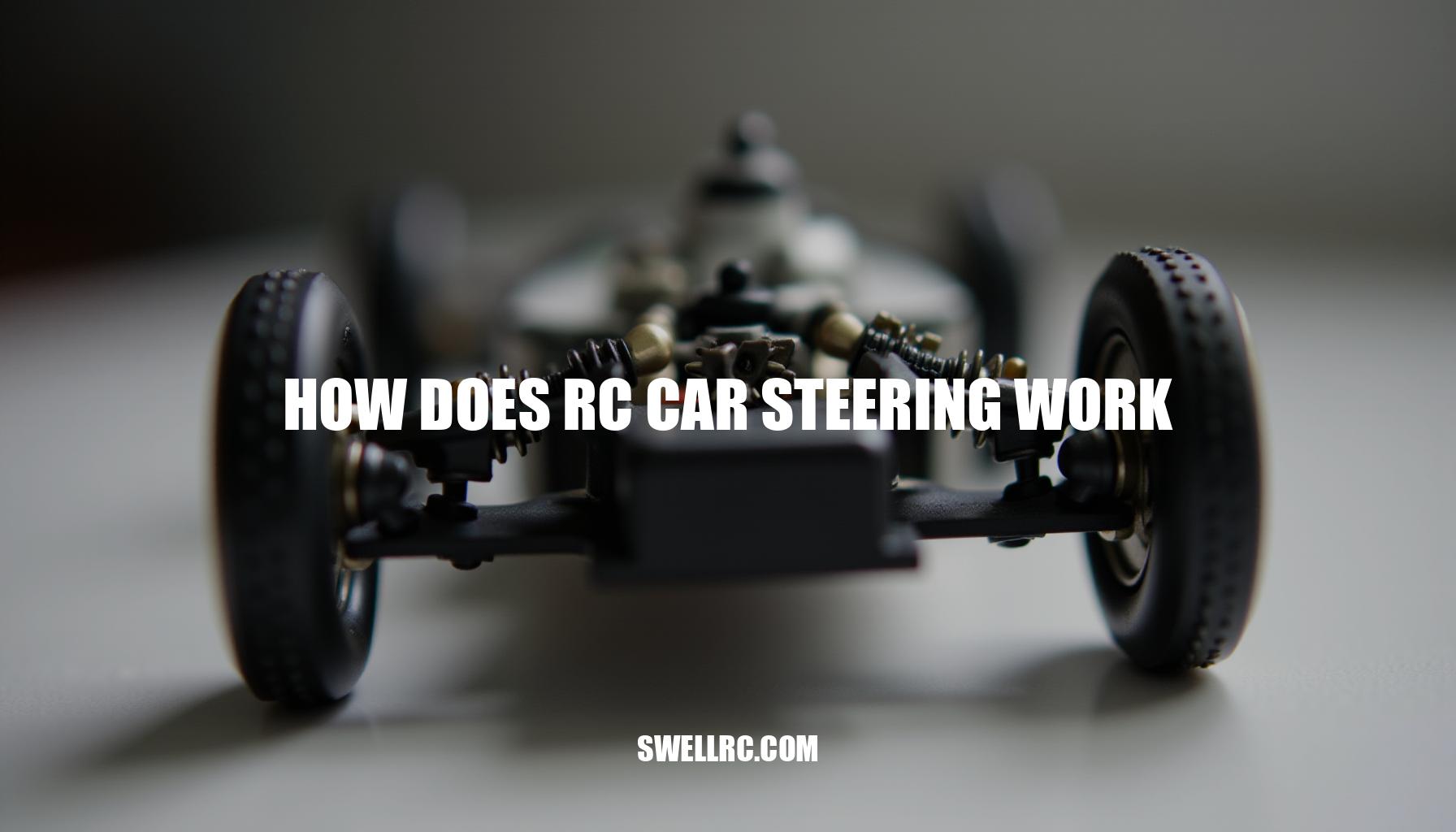
- Linkages transfer that motion to the steering knuckles and wheels: This mechanical setup moves your car’s wheels accordingly.
Latency in this system refers to the slight delay between your wheel input and the servo’s response. Strong radio link quality reduces this lag and minimizes command drops, ensuring smooth control. Interference, often caused by other electronic devices or poor antenna orientation, can distort the 2.4 GHz radio signals, leading to unreliable operation or increased latency.
Most contemporary systems use robust 2.4 GHz radios with built-in failsafe behavior. Failsafe ensures your vehicle takes a predetermined action (like stopping or holding position) if signals are lost, protecting your RC car from unintended movements.
Maintaining clean wiring and proper antenna orientation improves signal clarity and reduces interference, further enhancing your system’s reliability.
For hands-on basics, I practiced with this guide on learning basic driving inputs. If your radio and receiver aren’t talking, here’s a detailed walkthrough on syncing/binding radios correctly to establish a secure connection.
Fine-Tuning Steering – Dual Rate and Gyro Systems
Dual rate steering defines how much your transmitter limits the maximum steering throw to tame steering sensitivity, helping you avoid over-correction especially in tight or high-speed sections; you should increase dual rate for smoother, less twitchy steering on slippery or technical tracks and reduce it when you want sharper response on high-grip or open tracks. An RC gyro, or yaw-rate sensor, continuously makes micro-corrections to keep your car tracking straight by detecting unwanted rotation, which shines during high-power launches, loose dirt, and bumpy tracks where stability is critical.
To understand dual rate and when to use it, I leaned on this explainer: https://www.swellrc.com/what-is-dual-rate-rc-car/. Curious about stabilization? This clear overview of RC car gyros helped me dial mine in: https://www.swellrc.com/rc-car-gyro/.
From personal testing, I found the sweet spot where the gyro stabilizes the car without “driving the car for you” is crucial—too high a gyro gain can feel like the car is fighting your inputs, while too low leaves it twitchy.
Here’s a quick practical settings list to guide your tuning of dual rate steering, endpoint adjustment, steering sensitivity, expo, and gyro gain based on skill level and track conditions:
- Beginners: Modest dual rate (70–85%) to limit extreme steering throws, little or no expo needed since inputs are naturally cautious, and gyro gain low-to-medium especially on loose surfaces for yaw stabilization.
- Intermediates: Dual rate 80–95% depending on track grip, add a touch of expo for smoother steering inputs, and medium gyro gain for rough or bumpy tracks to maintain control.
- Advanced: Near-maximum mechanical steering throw with carefully set endpoints for precise control; use dual rate mainly to trim for grip changes; minimal gyro gain on high-grip carpet or asphalt but increase it significantly on rutted dirt to enhance stability.
Troubleshooting and Calibration – When Steering Goes Off Track
Diagnosing steering issues on your RC car can be a straightforward process when approached methodically, starting with the simplest checks before moving on to electronics.
Begin by verifying your battery voltage to ensure adequate power supply. Next, inspect for any loose plugs or connectors that might cause intermittent signals or servo jitter. Examine the mechanical elements closely: check for binding linkage and ensure no wheels are rubbing against the car body, which can restrict movement.
If the car seems to twitch or move on its own, this guide helped me isolate radio noise and failsafe issues. For those needing to redo the radio setup from scratch, here’s how to program a remote to a specific RC car.
Once mechanical integrity is confirmed, perform quick servo calibration:
- Remove the servo horn, power on the system with steering trim set to zero, and allow the servo to seek its natural center position.
- Reinstall the servo horn as close to 90 degrees to the servo body as possible.
- Adjust the sub-trim to precisely center the steering linkage.
- Set the endpoints properly so the steering can reach full lock in both directions without straining the servo or binding linkages.
- Verify there is no mechanical binding in knuckles or linkage, and ensure the servo saver is correctly tensioned for optimal protection and responsiveness.
- Check for play or slop in ball ends and bearings, as excessive looseness can cause erratic steering behavior.
For quick reference, use the troubleshooting table below to match symptoms with likely causes and fixes:
| Symptom | Likely Cause | Fix |
|---|---|---|
| Car pulls left/right | Off-center trim or uneven toe | Center with sub-trim; set equal tie-rod lengths to balance steering geometry. |
| Jittering servo | Low Rx voltage, noisy BEC, damaged servo | Charge battery fully; test with another servo; add capacitor across power leads or upgrade to a cleaner BEC. |
| Delayed steering response | Weak signal, interference, Rx antenna issue | Re-route antenna wiring; rebind transmitter and receiver; check for obstructions and maintain proper distance. |
| Hits stop and buzzes | Endpoints set too high; mechanical binding | Reduce endpoint values in transmitter; inspect steering knuckles and servo saver for binding. |
| No steering at all | Wrong channel, bad servo horn spline, fried servo | Verify channel mapping; replace servo horn; test servo on a different channel or with a different servo tester. |
By following these systematic steps and calibrating correctly using trim, sub-trim, endpoints, and ensuring servo saver function, you can confidently resolve most RC car steering issues caused by mechanical faults, electrical interference, or radio glitches.
Practical Applications – Mastering Steering on the Track
Translating knowledge into lap time is all about understanding how to adapt your setup and driving technique to different track surfaces. When I switched from asphalt to dusty dirt, I noticed that on asphalt you can run more steering throw and less gyro, which gives you a sharper turn-in and quicker responses. On dusty dirt though, adding a touch more gyro and slightly reducing the dual rate helps calm the rear end and maintain control.
Carpet demands its own precision; careful endpoint tuning prevents those frustrating traction rolls. I sharpened my fundamentals with this quick driving guide which was a game changer for my technique.
Here are some key techniques that benefit immensely from precise steering control:
- Smooth initial turn-in to avoid front-end push: A gentle steer on entry keeps the car balanced and eager.
- Trail-braking to help rotate the chassis: Modulating the brake into the turn uses weight transfer smartly.
- Mid-corner patience to keep the car balanced: Holding steady throttle and steering inputs prevents snapping loose.
- Throttle-steering on exit: Using throttle to finesse line and direction aids acceleration.
- Quick micro-corrections to hold a straight line under power: Tiny steering adjustments keep you on the ideal racing line.
- Adjusting dual rate a few clicks for infield versus long straights: Tailoring steering sensitivity to track sections optimizes control and speed.
These setup changes and driving techniques are more than just mechanical tweaks; once you feel your car’s nose tracking precisely where you intend, RC driving becomes addictively satisfying. The harmony between your input and the car’s response transforms every lap into a joyful mastery of track surfaces.
Conclusion – Steering Clarity Through Curiosity
Reflecting on my journey with RC setup, I’ve found that truly understanding the servo’s feedback loop, the radio link signal path, and leveraging tools like dual rate and gyros has been a game-changer. This knowledge boosted my confidence and significantly improved lap consistency, turning unpredictable runs into smooth, repeatable performances.
To recap the main takeaways:
- Servo quality and setup dictate precision: High-quality servos paired with proper calibration ensure your inputs translate flawlessly to your car’s movements.
- Clean radio links make inputs predictable: A solid signal path eliminates lag and interference, making control crisp and reliable.
- Dual rate tailors sensitivity: Fine-tuning this lets you manage how reactive your steering or throttle feels, adapting to different track conditions.
- Gyros stabilize when conditions get sketchy: They assist in maintaining control during slides or rough patches, smoothing out your steering inputs.
My advice? Keep the spirit of experimentation alive—make tiny adjustments, one at a time, and observe the effects. Dive deeper into advanced topics like servos, radios, and overall setup; these areas hold the keys to unlocking even greater performance.
Stay curious and motivated, because every small step forward in your RC journey leads to more consistent and satisfying runs on the track!
Frequently Asked Questions
- How does RC car steering actually work?
You turn the transmitter wheel, the receiver converts that radio command into a PWM signal, and the steering servo uses a feedback loop to rotate to a matching angle, moving the linkages that turn the front wheels. - What does the servo do for steering in an RC car?
The servo converts the receiver’s electrical command into precise mechanical motion. Its motor and gears rotate an output shaft to a specific angle, then hold it there using feedback from a position sensor. - How do RC cars receive and interpret steering inputs?
The transmitter sends digital commands on the steering channel over 2.4 GHz. The bound receiver decodes them and outputs a pulse-width signal to the servo, which interprets the pulse width as a target position. - How do I adjust steering sensitivity or dual rate on my RC controller?
Use the dual rate setting to limit maximum steering throw and, if available, expo to soften response around center. Start conservative (about 75–85%), then increase until the car feels responsive without twitchiness. - Why is my RC car steering not responding correctly?
Common causes include low receiver voltage, interference, mis-calibrated endpoints, off-center trim, binding linkages, or a failing servo. Re-center and rebind, check wiring and mechanicals, and test with a known-good servo if needed.